Room inventory
Start with a room list, remove what you do not own, and add quantities and known measurements.
How to use it
Add a room template → review items → save your inventory.
From your first room list to your last utility update, keep the work visible and your next step clear.
Account worksheets open in HomeConnectionAI. Public planner and checklist demos remain here on MoveMapPro.
Explore the worksheet, understand the next step, then continue in your account.
Start with a room list, remove what you do not own, and add quantities and known measurements.
Add a room template → review items → save your inventory.
Use known volume and weight, vehicle capacity and your own quoted rates. Unknown measurements stay clearly identified.
Enter your numbers → calculate → confirm fit and prices with your provider.
Keep estimated and actual costs together, review move-date changes and organize the tasks ahead.
Open Budget & Dates or Reminders from the hub.
Keep written mover, storage, insurance or vehicle-shipping quotes and their inclusions side by side in one worksheet.
Record provider, total, date and exclusions → compare like-for-like services.
Track provider contacts, requested dates and confirmations without storing passwords or account numbers.
Add providers → request changes directly → mark confirmed updates done.
Draft your message, then copy it into your own email or messaging app.
Write → save → copy → review recipients and send yourself.
Give items a sell, donate, recycle or disposal destination before packing.
List an item → record the organization and date → confirm completion.
Keep dated issue notes, box references and amounts alongside your existing photos and documents.
Record the issue → reference evidence → export for your carrier or insurer.
Keep room, furniture and access measurements together before moving heavy items.
Measure consistently → record dimensions → check access in person.
Download selected worksheets for a mover or helper after reviewing their contents.
Choose worksheet → review notes → download CSV → send from your own app.
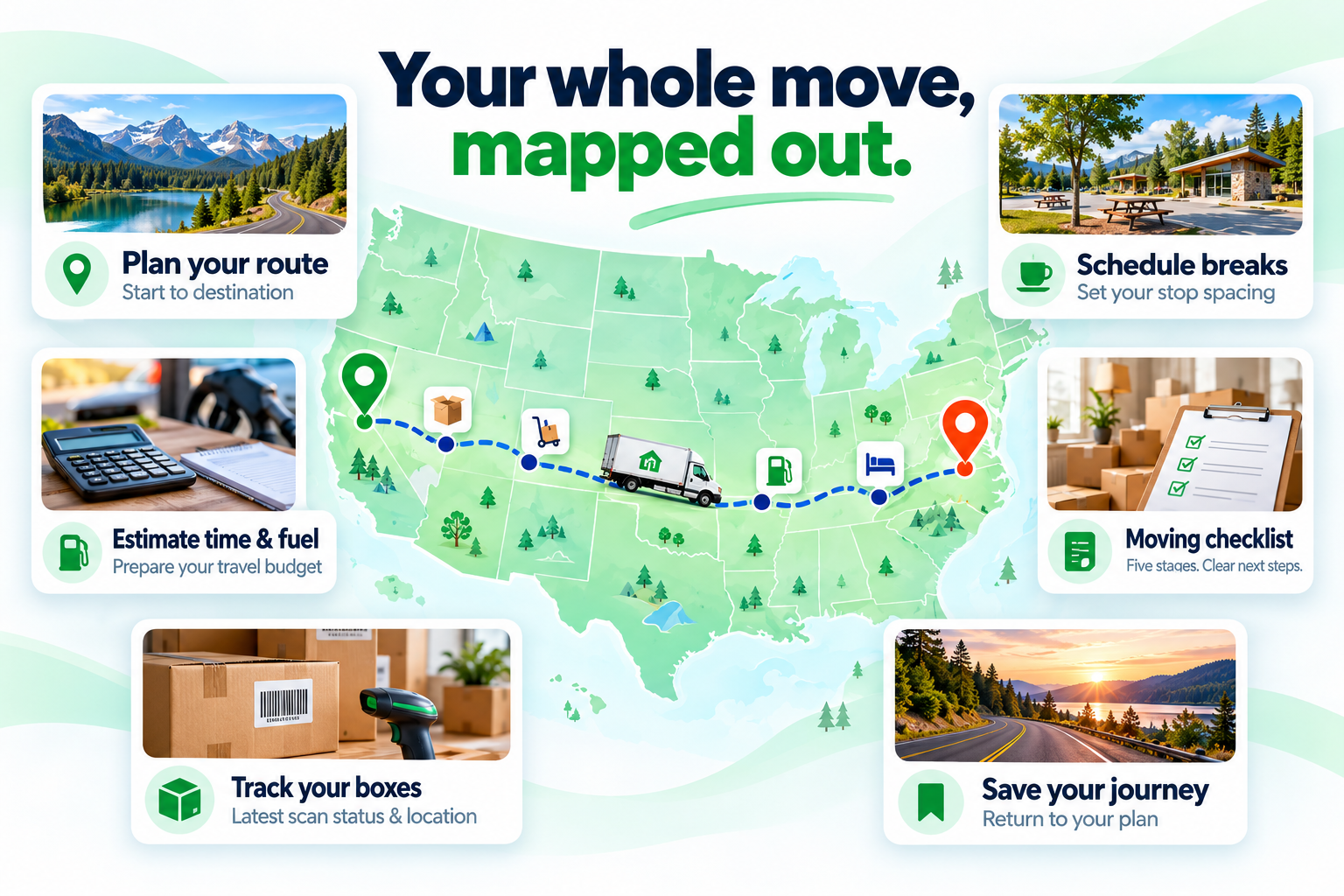
Try route, break, time and fuel estimates.
Try planner demoExplore five moving stages and watch a sample progress animation.
Try checklist demoOpen the connected hub for inventory, worksheets and links to your account tools.
Preview the moving hubNo. It calculates from your entered inventory, capacity and rates. Confirm actual truck fit, payload and written prices with a provider.
No. They organize quotes you supply. Existing mover requests help you make contact; bookings and payment are arranged with the provider.
No. Submit changes directly with each provider and send announcement drafts from your own messaging app.
These pages describe room inventory and manual furniture-fit notes. They do not provide AI video inventory or scanned floor plans.
Explore the tools before choosing the plan for your move.